Build a Booking Website with Claude Code + MySQL
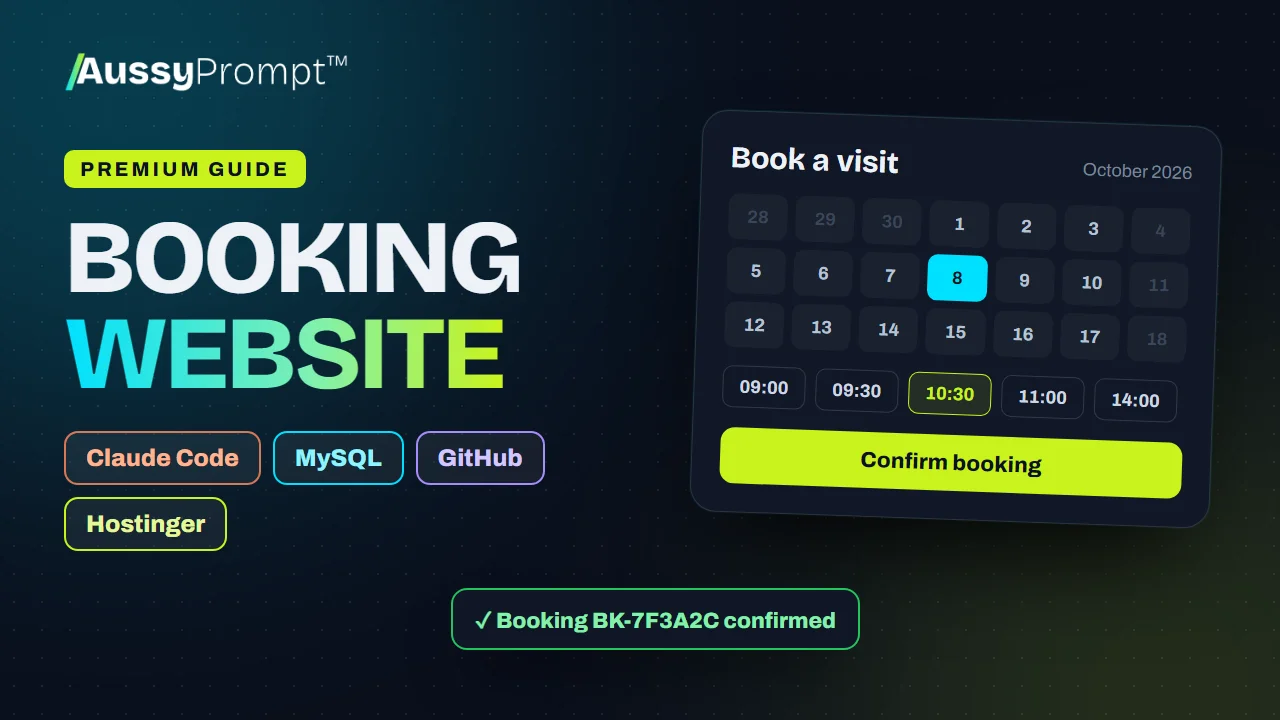
Build a modern booking website with Claude Code, PHP and MySQL, keep it on GitHub, and deploy it to Hostinger, testing on the free temporary domain. Choose your niche, copy the prompts, take real bookings.
- Claude Code
- GitHub
- MySQL
- Hostinger
R1 500 once-off through PayFast · lifetime access · not included in subscription plans
- 4
- main steps
- 2
- optional upgrades
- 21
- tasks to tick off
- 7
- prompts to paste
- 9
- problems and fixes
- 36
- booking niches
When you finish this guide
- A mobile-first website with your services, prices in rand, opening hours and a WhatsApp button
- Online booking in four steps, showing only the times that are really free
- Double booking blocked, so two people can never take the same slot
- An admin area for bookings, services, opening hours and closed dates
- The code on your own GitHub, deployed to your own Hostinger hosting
Who it's for
Service businesses that take appointments, and anyone building booking websites for them. Pick from salons, clinics, workshops and many more, and every prompt adapts to that business.
What you need
- A Claude Pro or Max plan, or an Anthropic Console account, for Claude Code
- A GitHub account
- A Hostinger website with a MySQL database
The whole roadmap, step by step
Every step and task is listed here. The prompts, code and fixes unlock when you buy.
Choose Your Booking Niche
Pick the kind of business, see the booking flow, and gather the details the website needs.
- Choose the project type
- Understand the booking flow
- Gather the business details
Set Up Claude Code, GitHub and Hostinger
Install Claude Code and Git, create a GitHub account, and set up the Hostinger website (on its free temporary domain) and the MySQL database.
- Install Claude Code
- Create a GitHub account and install Git
- Create the website on Hostinger
- Create the live MySQL database
Generate the Website with Claude Code
Paste the build prompt, then let Claude Code put the code on GitHub.
- Use Prompt 1 to build the project
- Put the code on GitHub
- Improve or fix the project
Deploy from GitHub to Hostinger
Connect the repository, turn on auto-deployment, import the database, connect config.php, and test on the temporary domain.
- Connect the GitHub repository in hPanel
- Turn on auto-deployment
- Import the database
- Create config.php with the live details
- Set the PHP version and check SSL
- Create your admin and test on the temporary domain
- Connect the real domain
Optional upgrades
Add these after the main roadmap, when you're ready. They're included in the guide.
Email Notifications
Email the business and the customer for every booking, using your hosting email account.
SMS Reminders
Send an SMS confirmation and a reminder the day before, to cut no-shows.
Choose your niche. Every prompt adapts.
Pick one of 36 booking niches when you start, and the prompts and examples change to match it.
Beauty & wellness
- Hair salon
- Barbershop
- Beauty salon
- Nail salon
- Day spa
- Massage therapist
- Makeup artist
- Skin clinic & aesthetician
- Tattoo studio
Health & therapy
- Dental clinic
- Doctor / GP practice
- Physiotherapy practice
- Chiropractor
- Therapy & counselling
- Vet clinic
Fitness & classes
- Personal trainer
- Fitness classes
- Yoga studio
- Dance classes
- Music lessons
Food & events
- Restaurant reservations
- Event planner
- Wedding planner
- Photography studio
Home, auto & pet services
- Car wash & detailing
- Auto repair & service
- Driving school
- Cleaning service
- Home repairs & handyman
- Garden & lawn care
- Pet grooming
Professional & education
- Consultant or coach
- Life coach
- Private tutor
Property
- Property viewings
- Real estate agent
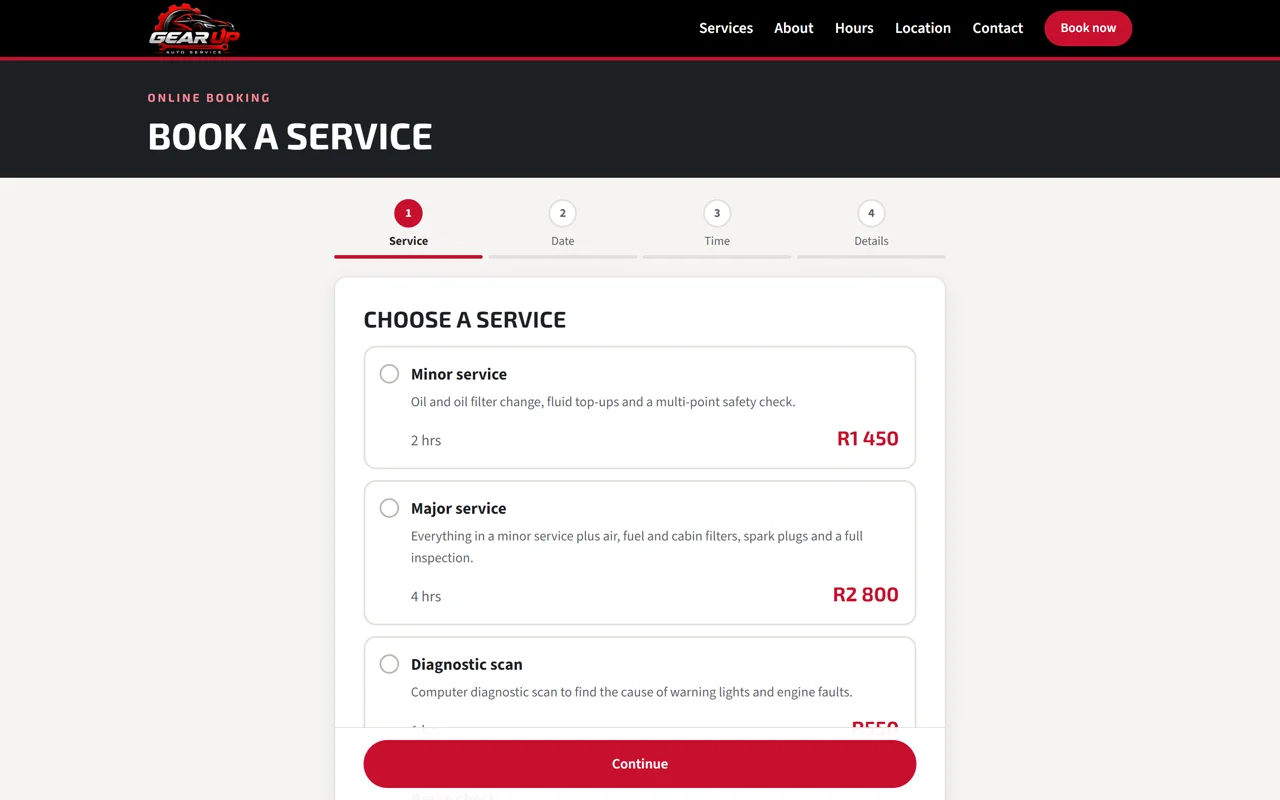
See a finished site

Not quite what you need?
This guide
You want 4 clear steps for a common build, with Claude Code, GitHub and Hostinger, and the prompts ready to paste. Pay once and keep it for life.
AussyPrompt ONE
Your system is your own. Describe it in your own words, and ONE builds the blueprint and writes a build pack for the tools you choose. See how ONE works
About this guide
Is this a subscription?
No. You pay R1 500 once through PayFast and keep the guide for life, including its upgrades.
Is it included in my AussyPrompt ONE plan?
No. Premium Guides are sold separately from every subscription plan, so you only pay for the guides you want. If you're on ONE, your guides open right inside your ONE workspace.
Do I need to know how to code?
Claude Code writes the code from the prompts in the guide. You paste each prompt, check the result and follow the steps, and the guide lists common problems and how to fix them.
What else will I pay for?
The guide doesn't include your accounts with other companies, such as Claude and Hostinger. You pay those companies directly, and what you build stays in your own accounts.
What can I see before I buy?
Everything on this page, including every step and task. The prompts, code and fixes unlock when you buy.
Build a Booking Website with Claude Code + MySQL
R1 500 once-off. 7 prompts ready to paste, and yours for life.