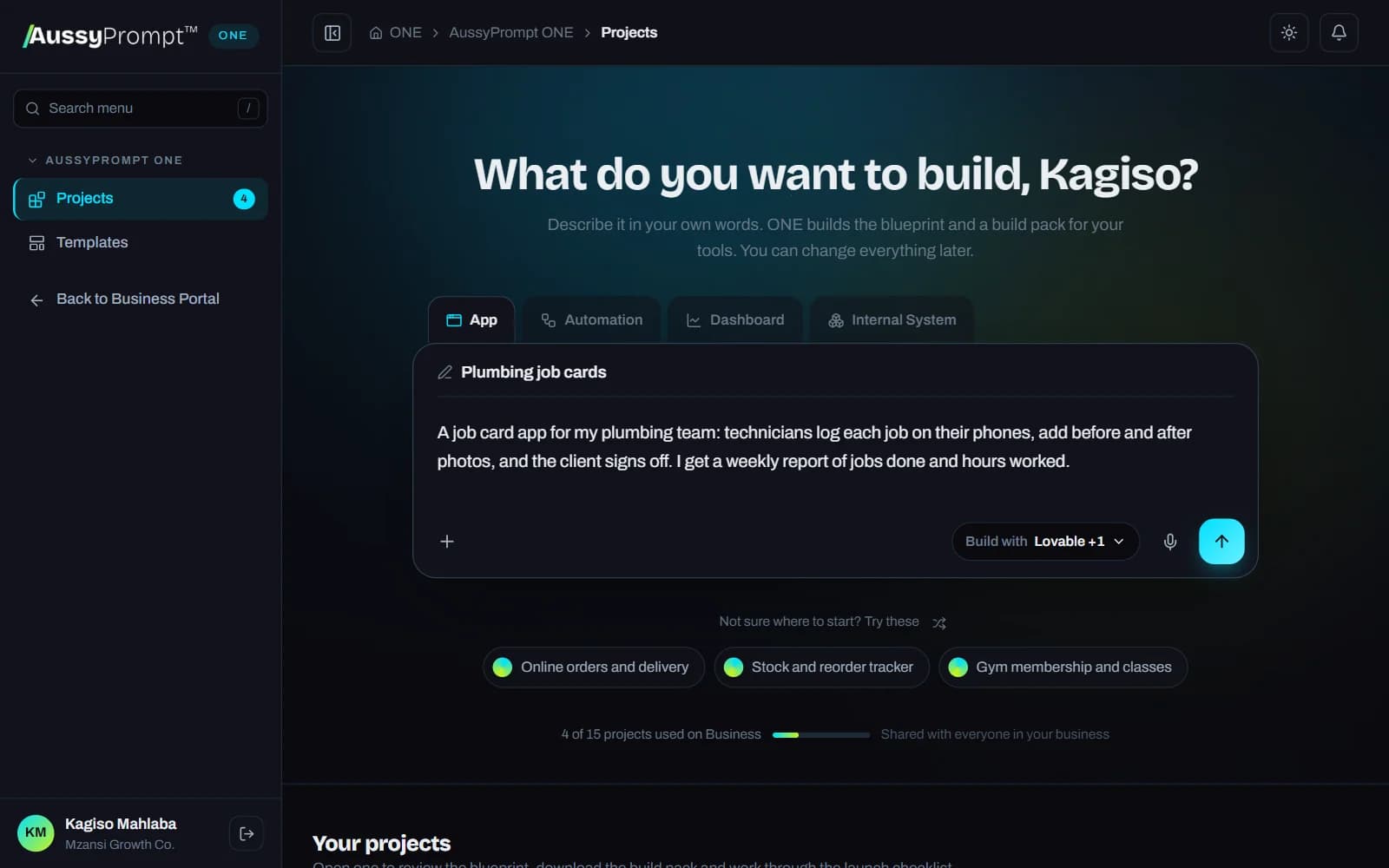
Describe it once, in your own language. ONE builds the blueprint, checks its own work and writes the build pack your vibe coding tools understand: Lovable, Cursor, Claude Code, Supabase, n8n and more. Stop burning credits prompting again and again.
Write it in your language, or mix them. English · isiZulu · isiXhosa · Afrikaans · Sesotho · Setswana · Sepedi · Xitsonga · siSwati · Tshivenda · isiNdebele
Checks its own work You own everything it writes From R499 a month
Why ONE
Your tools build what you say, not what you mean
App builders and coding assistants guess at everything you leave out. Then you prompt again to fix it, and again, and your credits run out before the app is finished. ONE closes that gap before you spend a single credit.
Pick App, Automation, Dashboard, Internal System or Website, describe it in your own words, and ONE plans it around your own process, roles and data.
Automations
Follow-ups, reminders, approvals and hand-overs that run on a form, a new record, an email or a schedule.
Apps
Web apps for clients or staff with sign-in, roles, forms and records, on a real database.
Dashboards
KPIs, charts and tables from your own data, with a clear definition for every number.
Internal systems
Records, staff screens, permissions, automations and a management dashboard working together.
Websites
Business sites and landing pages with the pages, forms and calls to action that bring in enquiries, with SEO built in.
How it works
Four steps from one prompt to live
You describe it once. ONE does the engineering thinking. Your tools build it, and your team takes it live.
1. Describe it once
Type or say what you need, in any South African language, name the project and pick your tools. Or start from a template or a Playground result.
2. The blueprint
ONE maps out every role, table, screen, automation and KPI, checks its own work and lists its questions instead of guessing.
3. The build pack
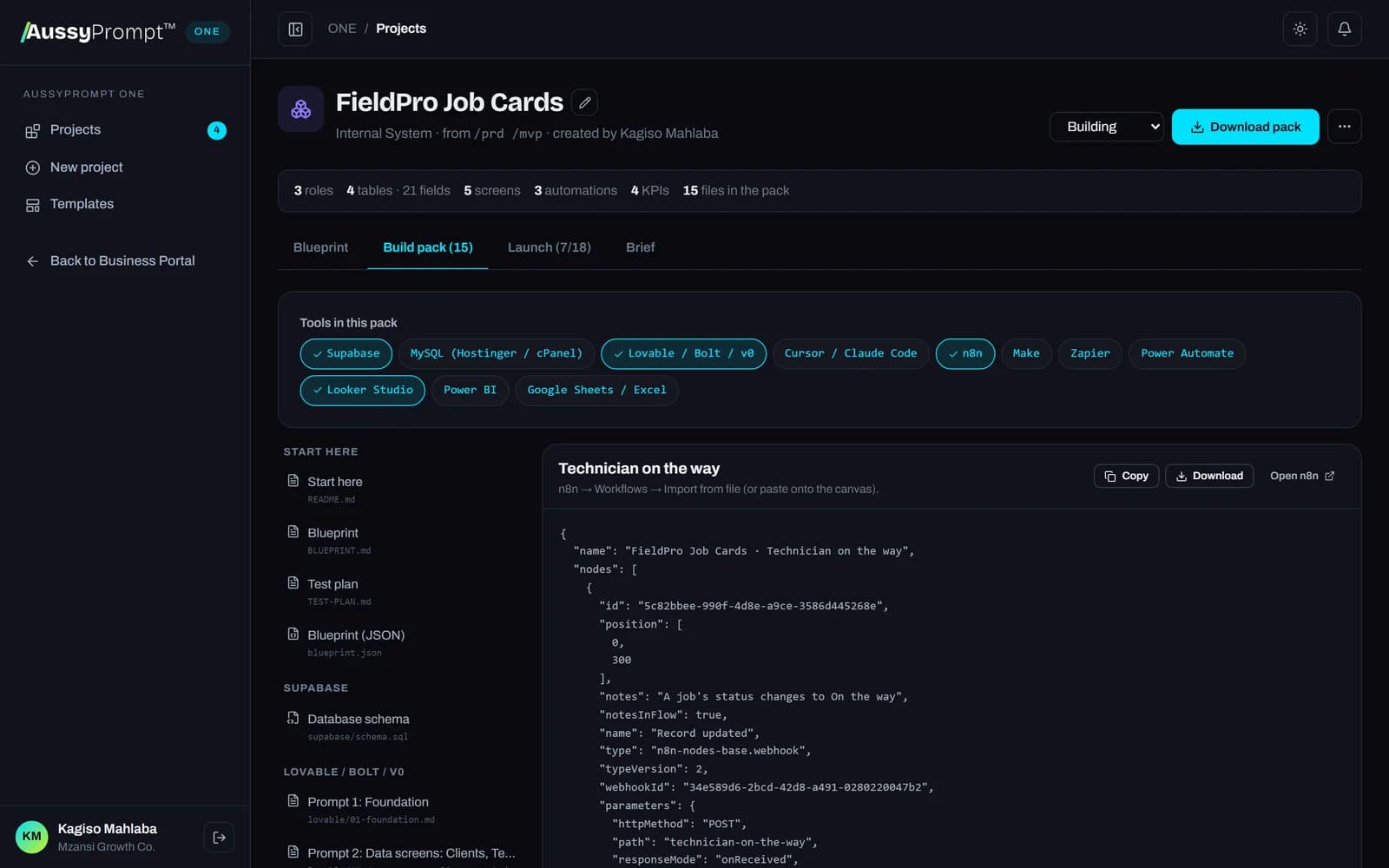
Files in each tool's own language, with the order to build them in. Copy, download or take the whole pack as a .zip.
4. Launch together
A shared checklist and test plan take your whole team, step by step, all the way to live.
Describe it once
Say what you want to build the way you'd explain it to a colleague. No prompt engineering and no technical words: ONE works out the rest and asks about what it can't assume.
Choose App, Automation, Dashboard, Internal System or Website
Type it or dictate it, and give the project a name
Start from a template or a Command Playground result such as /prd
Choose the tools you build with: Lovable, Cursor, Supabase, n8n and more
aussyprompt.com/one
ONE checks its own work
Before you see a blueprint, ONE runs its checks and reviews the blueprint against your brief. It fixes what's missing or doesn't fit, then tells you what it fixed and what's worth a look.
Every screen belongs to a real role, and every role has somewhere to work
Every KPI uses a real field of the right type
Everything in your brief has a home, or is listed as a later phase
A fix is kept only when it passes the checks, so a good draft is never made worse
You don't need English or technical words to plan a system. Write the way you speak, spelling mistakes and SMS-style writing included. ONE works out what you mean and builds from that.
Voice works in English, isiZulu and Afrikaans, in browsers that support it. The other languages are typed.
Start from 37 ready-made templates
Hair salon bookings and walk-insSpaza shop stock and credit bookStreet vendor daily salesStokvel contributions and payoutsCar wash queue and cash controlJob card and technician systemMonthly sales dashboardNew client onboarding
Written for phones, cash and e-wallets, and WhatsApp, as well as for the office.
You own it
Everything runs in your own accounts. Open, standard files: SQL, JSON, CSV and Markdown. No lock-in.
No passwords in files
Credentials stay in each tool's secure store. ONE never asks for them and never writes them into a pack.
Secure and POPIA-aware
Row-level security on every table, role-based access, and a note on the personal information you store.
The build pack
Built for the tools you already use
Each file is written in the language its tool understands. Pick your tools and the pack updates instantly. Copy a file, download it, or take the whole pack as a .zip.
Lovable / Bolt / v0
Phased build prompts to paste, one step at a time
Supabase
Database tables, row-level security and KPI views in one SQL file
MySQL (Hostinger / cPanel)
Tables, links, roles and KPI views for phpMyAdmin, plus Hostinger setup
n8n
Workflow files you import in one click
Make
Scenario build guides, module by module
Zapier
Zap build guides, step by step
Power Automate
Flow guides for Outlook, Teams and Excel
Cursor / Claude Code
A full project spec and task list with acceptance criteria
Google Sheets / Excel
One CSV per table, drop-downs and a formula for every KPI
Looker Studio
Dashboard guide: data source, charts and filters
Power BI
DAX measures and a report layout
aussyprompt.com/one/projects
Premium Guides
Want to be walked through it? Follow a guide.
For common builds, our Premium Guides take you step by step with Claude Code, MySQL, GitHub and Hostinger, with the prompts ready to paste. Sold separately: buy a guide once and keep it for life.
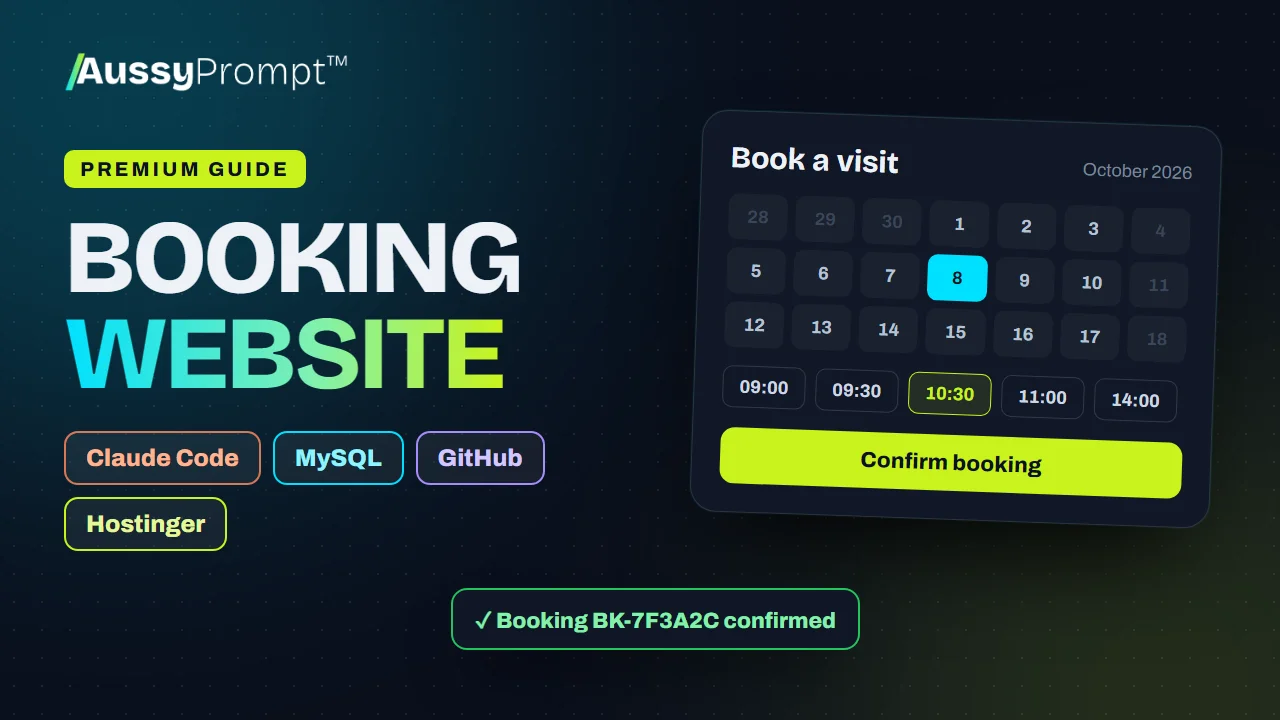
Build a modern booking website with Claude Code, PHP and MySQL, keep it on GitHub, and deploy it to Hostinger, testing on the free temporary domain. Choose your niche, copy the prompts, take real bookings.
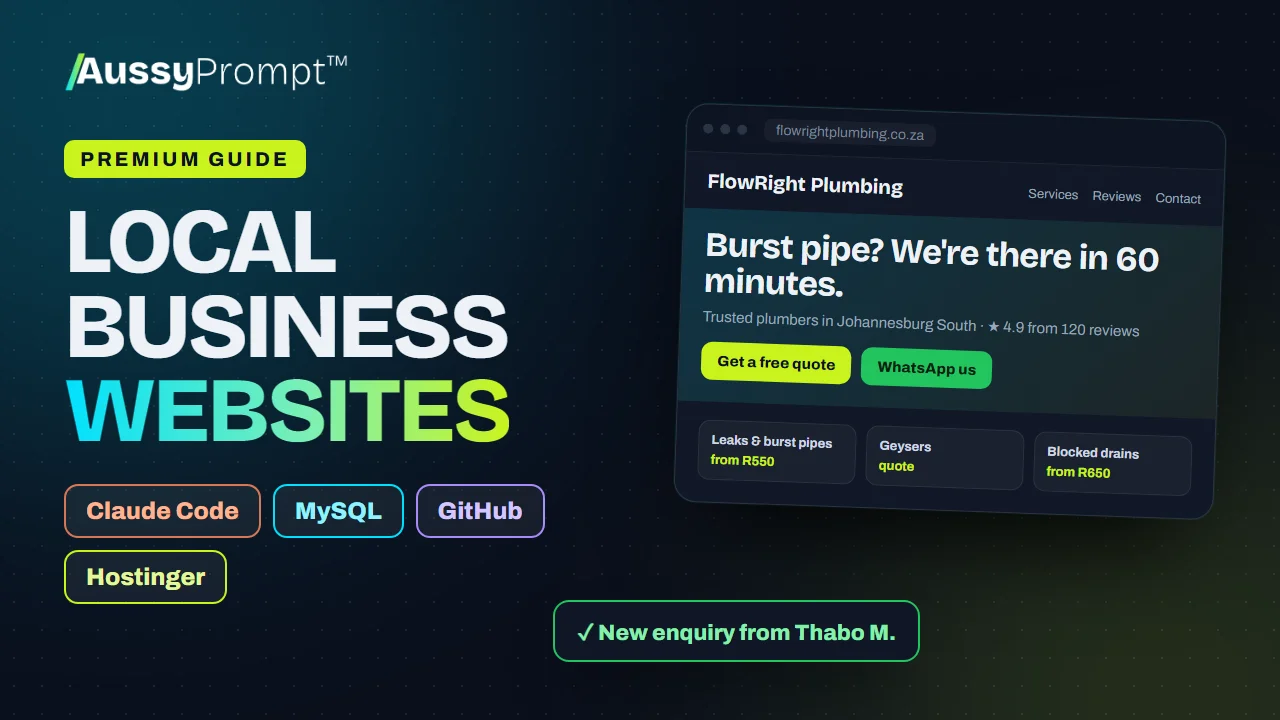
Build a multi-page website that turns visitors into enquiries for any local business, with a leads inbox and an admin area, keep it on GitHub and deploy it to Hostinger. Then get it found on Google and sell websites to local businesses.
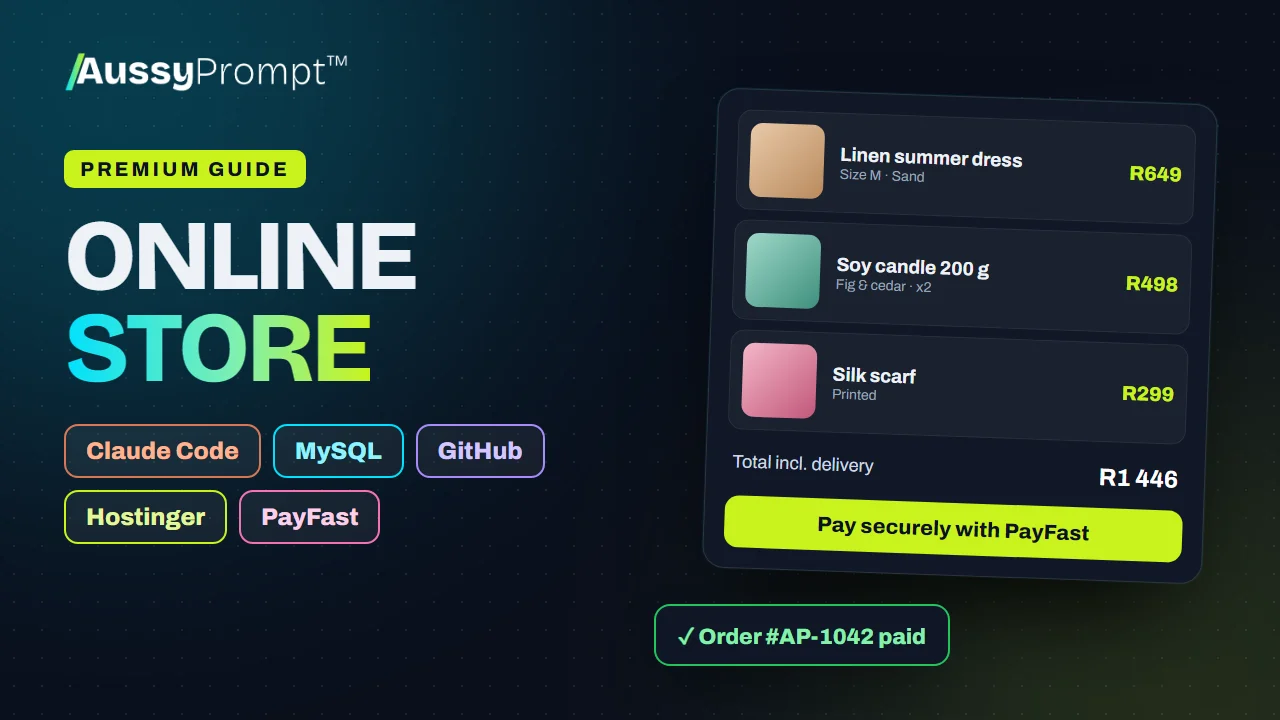
Build an online store that takes real payments with PayFast: products with options and stock, a cart and checkout, verified payment notifications, and an orders admin. Keep it on GitHub, deploy it to Hostinger, test with the PayFast sandbox, then go live.
For solopreneurs, freelancers, developers and agencies: ONE with the Command Library and Playground, no courses. Training a team as well? Professional, Business and Enterprise include ONE plus every course.
ONE Solo
R499/month
AussyPrompt ONE for solopreneurs
ONE Pro
R1 299/month
For freelancers and developers building for clients
Does AussyPrompt ONE build and host the app for me?
No. ONE builds the blueprint for your system and writes everything your tools need: the database, workflow files, build prompts in order and step-by-step guides. You build and run it in your own accounts with the tools you choose, such as Lovable, Cursor, Supabase, n8n or Zapier, so you own it and never depend on us to keep it running.
Will it really save me credits?
Most credits go on prompting again and again: fixing what the tool guessed, adding what it missed and undoing what broke. ONE gives your tool the whole plan up front, in the order it builds best, with your exact table and field names, so there is far less back-and-forth. How much you save depends on the tool and the project.
How does ONE check its own work?
Before you see a blueprint, ONE runs automatic checks (every screen belongs to a real role, every KPI uses a real field of the right type, every role has somewhere to work, the build pack files are valid) and reviews the blueprint against your brief. It fixes what it finds, keeps a fix only if it passes the checks, and shows you what it fixed and anything worth a look.
Is ONE an AI agent?
ONE itself isn't. It doesn't log into your tools or act on your behalf. It thinks the system through, checks its work and hands you a complete, readable plan and build pack. You stay in charge of what gets built and where. If you choose the AI Agent, ONE also writes a read-only assistant for your WhatsApp that answers questions from your own data, and you run it on your own accounts. If you would like us to set it up in your accounts, talk to us about Enterprise.
Which plans include ONE?
You can buy ONE on its own, without the courses: ONE Solo (1 project), ONE Pro (5 projects) and ONE Agency (10 projects, shared with 4 team members). The team training plans include it too: Professional 3 projects, Business 15 and Enterprise unlimited, shared with everyone on your team.
What's the difference between ONE and the Premium Guides?
ONE builds a blueprint for your own system, whatever it is, for the tools you choose. A Premium Guide walks you through one common build, such as a booking website or an online store, with Claude Code, GitHub and Hostinger. Guides are sold separately from ONE plans: you buy a guide once and keep it for life, and if you're on ONE it opens inside your workspace.
Do I need to be technical?
No. Describe what you need in your own words, or say it out loud. ONE writes the blueprint in plain language, and every file comes with step-by-step instructions and a launch checklist. Level 5 (AI-Assisted App Building) and Level 6 (AI Agents & Automation) in the Academy teach these tools if you want to go further.
Can I change the blueprint?
Yes. Tell ONE what to change in your own words, edit it directly, or restore an earlier version. ONE checks every change too. The build pack updates instantly, and you can switch tools at any time.
What about our data and passwords?
ONE never asks for your passwords or API keys and never puts them in the files. Credentials stay in each tool's own secure store. Every pack includes row-level security and a POPIA note on the personal information the system stores.
Prompt once. Build it this week.
Describe your first app, automation or dashboard, let ONE build and check the blueprint, and hand your tools a build pack they understand.