Build a QR Menu & Online Ordering App with Claude Code
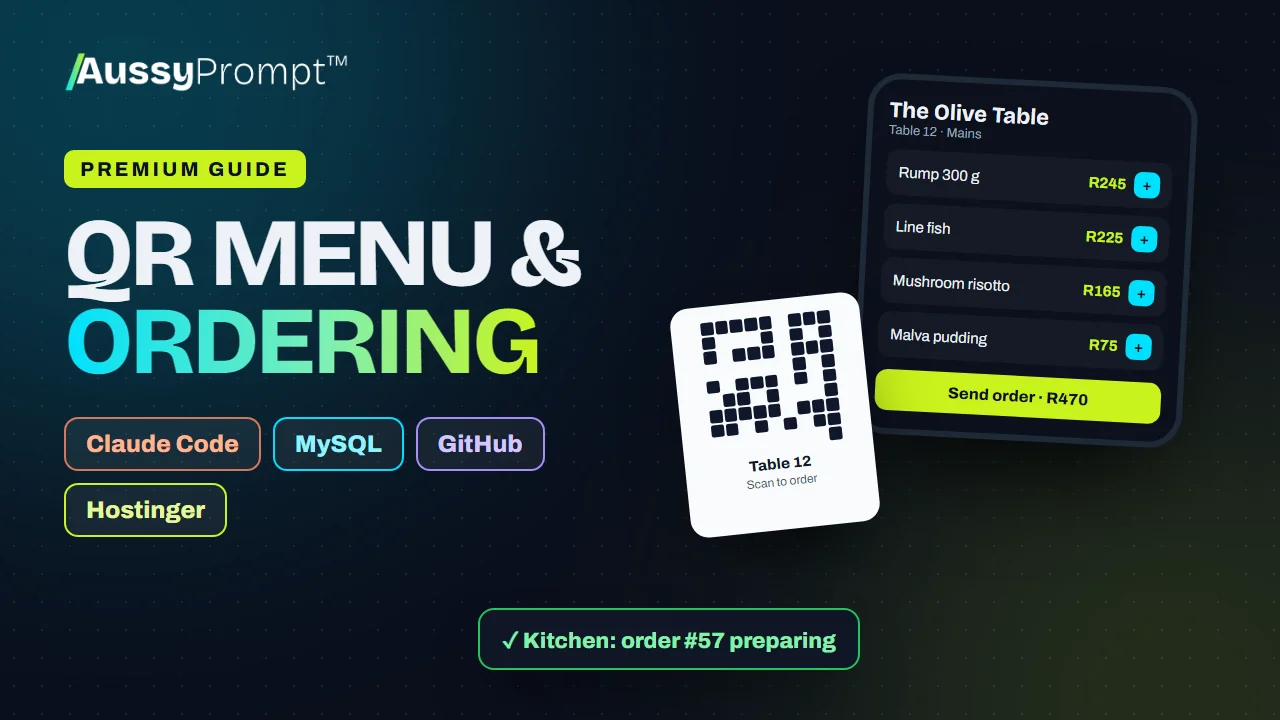
Build a QR code menu and ordering app for restaurants, cafés, takeaways and more: a fast phone menu per table, options and extras, a live kitchen screen, waiter and owner views, printable QR codes and sales reports, deployed to Hostinger.
- Claude Code
- GitHub
- MySQL
- Hostinger
R499 once-off through PayFast · lifetime access · not included in subscription plans
- 4
- main steps
- 2
- optional upgrades
- 22
- tasks to tick off
- 6
- prompts to paste
- 11
- problems and fixes
- 9
- venue types
When you finish this guide
- A phone menu for every table, with options and extras
- A live kitchen screen, plus waiter and owner views
- QR codes ready to print for your tables
- Sales reports for the owner
- The upgrades add PayFast and delivery orders
Who it's for
Restaurants, cafes and other venues that want guests to order from their phones, on a system they own.
What you need
- A Claude Pro or Max plan, or an Anthropic Console account, for Claude Code
- A GitHub account
- A Hostinger website with a MySQL database
The whole roadmap, step by step
Every step and task is listed here. The prompts, code and fixes unlock when you buy.
Plan the Menu and Ordering
Pick the venue type, map how people order, and gather the menu, options and photos.
- Choose the venue type
- Understand how ordering works
- Gather the menu
Set Up Claude Code, GitHub and Hostinger
Install Claude Code and Git, create a GitHub account, and set up the Hostinger website (on its free temporary domain) and the MySQL database.
- Install Claude Code
- Create a GitHub account and install Git
- Create the website on Hostinger
- Create the live MySQL database
Generate the Ordering App with Claude Code
Paste the build prompt, then let Claude Code put the code on GitHub.
- Use Prompt 1 to build the app
- Put the code on GitHub
- Improve or fix the app
Deploy, Print the QR Codes and Open
Deploy from GitHub to Hostinger, set up the menu and tables, run a test service, and go live.
- Connect the GitHub repository in hPanel
- Turn on auto-deployment
- Import the database
- Create config.php with the live details
- Set the PHP version and check SSL
- Set up the menu and staff
- Run a test service
- Print the QR codes and go live
- Connect the real domain
Optional upgrades
Add these after the main roadmap, when you're ready. They're included in the guide.
Pay Online with PayFast
Let guests pay from their phone before collection or at the end of the meal.
Delivery Orders
Take delivery orders with zones and fees, and give drivers a simple screen.
Choose your niche. Every prompt adapts.
Pick one of 9 venue types when you start, and the prompts and examples change to match it.
Sit-down
- Restaurant
- Café or coffee shop
- Pub or bar
Takeaway & quick service
- Takeaway or shisanyama
- Pizzeria
- Food truck or market stall
- Sushi bar
Other venues
- Hotel or guesthouse room service
- School or office canteen
Not quite what you need?
This guide
You want 4 clear steps for a common build, with Claude Code, GitHub and Hostinger, and the prompts ready to paste. Pay once and keep it for life.
AussyPrompt ONE
Your system is your own. Describe it in your own words, and ONE builds the blueprint and writes a build pack for the tools you choose. See how ONE works
About this guide
Is this a subscription?
No. You pay R499 once through PayFast and keep the guide for life, including its upgrades.
Is it included in my AussyPrompt ONE plan?
No. Premium Guides are sold separately from every subscription plan, so you only pay for the guides you want. If you're on ONE, your guides open right inside your ONE workspace.
Do I need to know how to code?
Claude Code writes the code from the prompts in the guide. You paste each prompt, check the result and follow the steps, and the guide lists common problems and how to fix them.
What else will I pay for?
The guide doesn't include your accounts with other companies, such as Claude and Hostinger. You pay those companies directly, and what you build stays in your own accounts.
What can I see before I buy?
Everything on this page, including every step and task. The prompts, code and fixes unlock when you buy.
Build a QR Menu & Online Ordering App with Claude Code
R499 once-off. 6 prompts ready to paste, and yours for life.