Build a REST API with Claude Code + MySQL
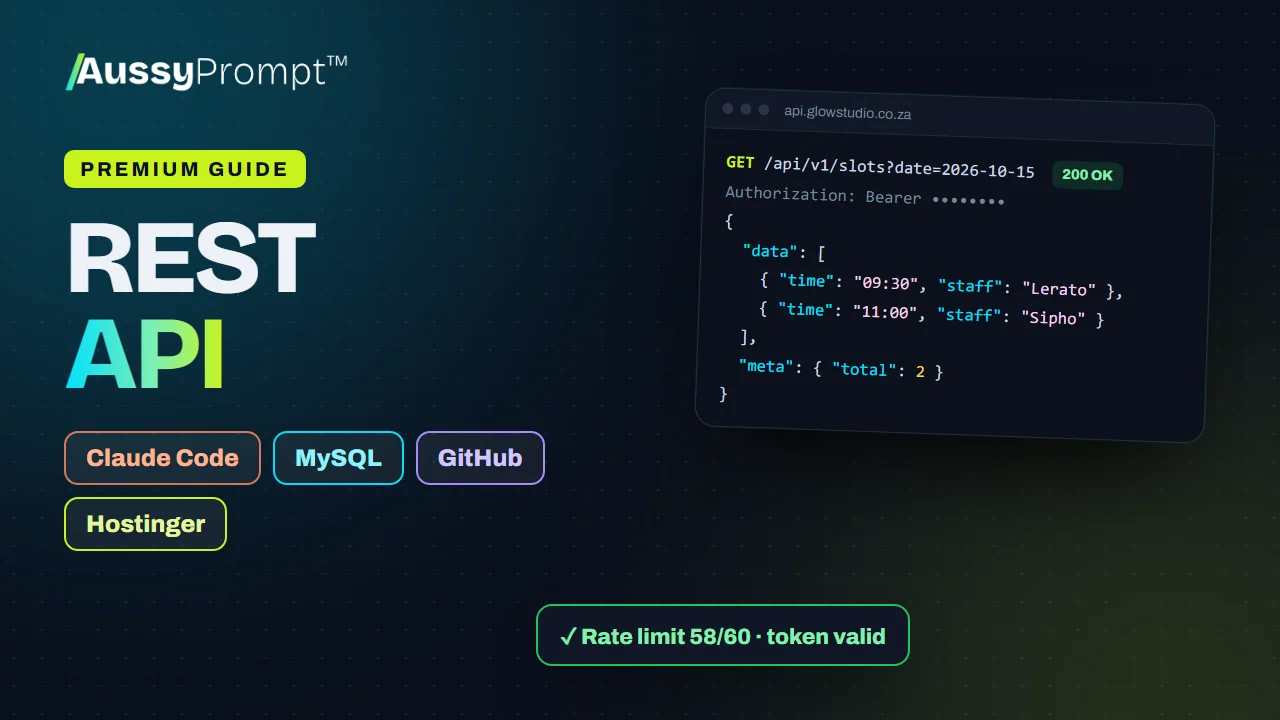
Build a secure, documented JSON API for mobile apps, partner websites and other systems: token logins and API keys, roles, validation, rate limits, CORS, an audit log and OpenAPI docs, deployed to Hostinger from GitHub and tested in Postman.
- Claude Code
- GitHub
- MySQL
- Hostinger
R499 once-off through PayFast · lifetime access · not included in subscription plans
- 4
- main steps
- 2
- optional upgrades
- 21
- tasks to tick off
- 7
- prompts to paste
- 11
- problems and fixes
- 7
- API types
When you finish this guide
- Token logins, API keys and roles that control who may do what
- Validation, rate limits, CORS rules and an audit log
- OpenAPI documentation for anyone using the API
- Every endpoint and rule tested in Postman
Who it's for
Builders who need a proper backend for a mobile app, a website or another system, running on their own hosting.
What you need
- A Claude Pro or Max plan, or an Anthropic Console account, for Claude Code
- A GitHub account
- A Hostinger website with a MySQL database
The whole roadmap, step by step
Every step and task is listed here. The prompts, code and fixes unlock when you buy.
Design the API
Pick the API type, list the resources and who may do what, and agree the API's rules.
- Choose the API type
- List the resources and who may do what
- Agree the rules
Set Up Claude Code, GitHub and Hostinger
Install Claude Code and Git, create a GitHub account, and set up the Hostinger website (on its free temporary domain) and the MySQL database.
- Install Claude Code
- Create a GitHub account and install Git
- Create the website on Hostinger
- Create the live MySQL database
Generate the API with Claude Code
Paste the build prompt, then let Claude Code put the code on GitHub.
- Use Prompt 1 to build the API
- Put the code on GitHub
- Improve or fix the API
Deploy and Test the API
Deploy from GitHub to Hostinger, create the first admin, and test every endpoint and rule in Postman.
- Connect the GitHub repository in hPanel
- Turn on auto-deployment
- Import the database
- Create config.php with the live details
- Set the PHP version and check SSL
- Create the first admin and test in Postman
- Try to break it
- Connect the first client
- Connect the real domain
Optional upgrades
Add these after the main roadmap, when you're ready. They're included in the guide.
Outgoing Webhooks
Tell other systems the moment something changes, instead of making them ask every few minutes.
Connect a Front-End App
Build a small web app that logs in and uses the API, to prove it works end to end.
Choose your niche. Every prompt adapts.
Pick one of 7 API types when you start, and the prompts and examples change to match it.
For apps
- Bookings API for a mobile app
- Product catalogue API
- Delivery orders API
- School results API
- Members & loyalty API
For partners & systems
- Leads API for partner websites
- Inventory sync API
Not quite what you need?
This guide
You want 4 clear steps for a common build, with Claude Code, GitHub and Hostinger, and the prompts ready to paste. Pay once and keep it for life.
AussyPrompt ONE
Your system is your own. Describe it in your own words, and ONE builds the blueprint and writes a build pack for the tools you choose. See how ONE works
About this guide
Is this a subscription?
No. You pay R499 once through PayFast and keep the guide for life, including its upgrades.
Is it included in my AussyPrompt ONE plan?
No. Premium Guides are sold separately from every subscription plan, so you only pay for the guides you want. If you're on ONE, your guides open right inside your ONE workspace.
Do I need to know how to code?
Claude Code writes the code from the prompts in the guide. You paste each prompt, check the result and follow the steps, and the guide lists common problems and how to fix them.
What else will I pay for?
The guide doesn't include your accounts with other companies, such as Claude and Hostinger. You pay those companies directly, and what you build stays in your own accounts.
What can I see before I buy?
Everything on this page, including every step and task. The prompts, code and fixes unlock when you buy.
Build a REST API with Claude Code + MySQL
R499 once-off. 7 prompts ready to paste, and yours for life.